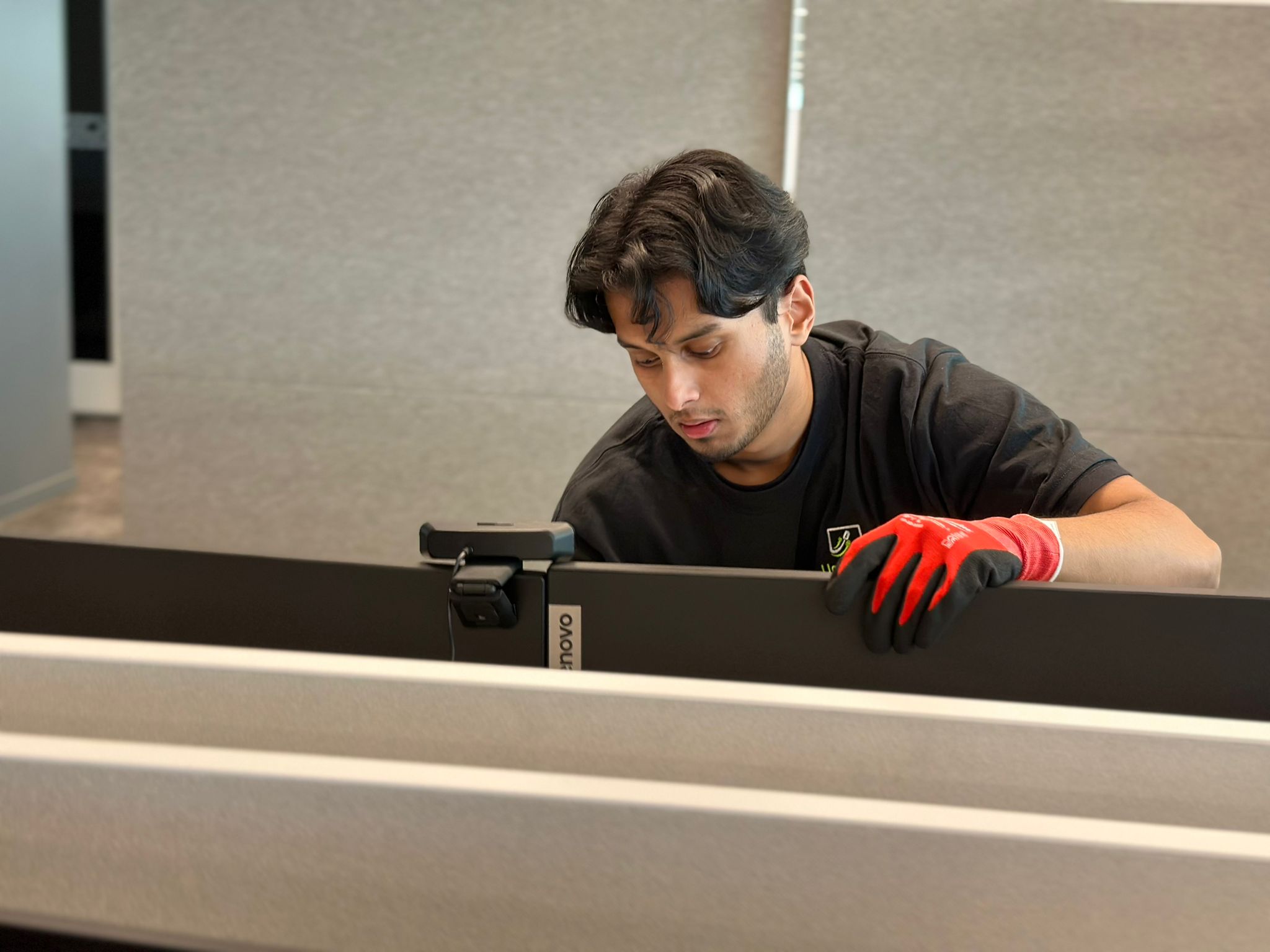
Unio Tech Solutions
·
There are a lot of moving parts from a technology perspective when it comes to moving an office.
From the start of a project until the finish, there are several specialized services that are needed in office relocations:
Pre-Move IT Project Planning (including site walkthroughs)
*Workstation Technology Labelling, Disconnecting & Packing
*Workstation Technology Reconnecting & Cable Management
Electronic Recycling (of old equipment)
*The starred services are the base services that should always happen regardless of project size.
Let's break down why each one is a specialized service.
1. Pre-Move IT Project Planning
This process requires highly qualified IT Program Managers with advanced knowledge of physical IT infrastructure to help plan what is needed. A proper plan considers the number and type of workstations, monitors, docking stations, phones, printers, servers, network equipment and other technology being relocated. It also considers the new office layout, network infrastructure, power requirements and the sequence of the move.

2. Workstation Technology Labelling, Disconnecting & Packing
When you're moving hundreds of stations it is often not realistic for your internal teams to handle everything. It is best to have external teams (like Unio Tech Solutions) to help with moving all the technology. This process should be streamlined, organized and coordinated with move teams (moving companies who physically move the technology and the furniture to the new office location).
Every piece of technology needs to be properly identified and associated with the correct workstation or location so that everything arrives where it is supposed to be.
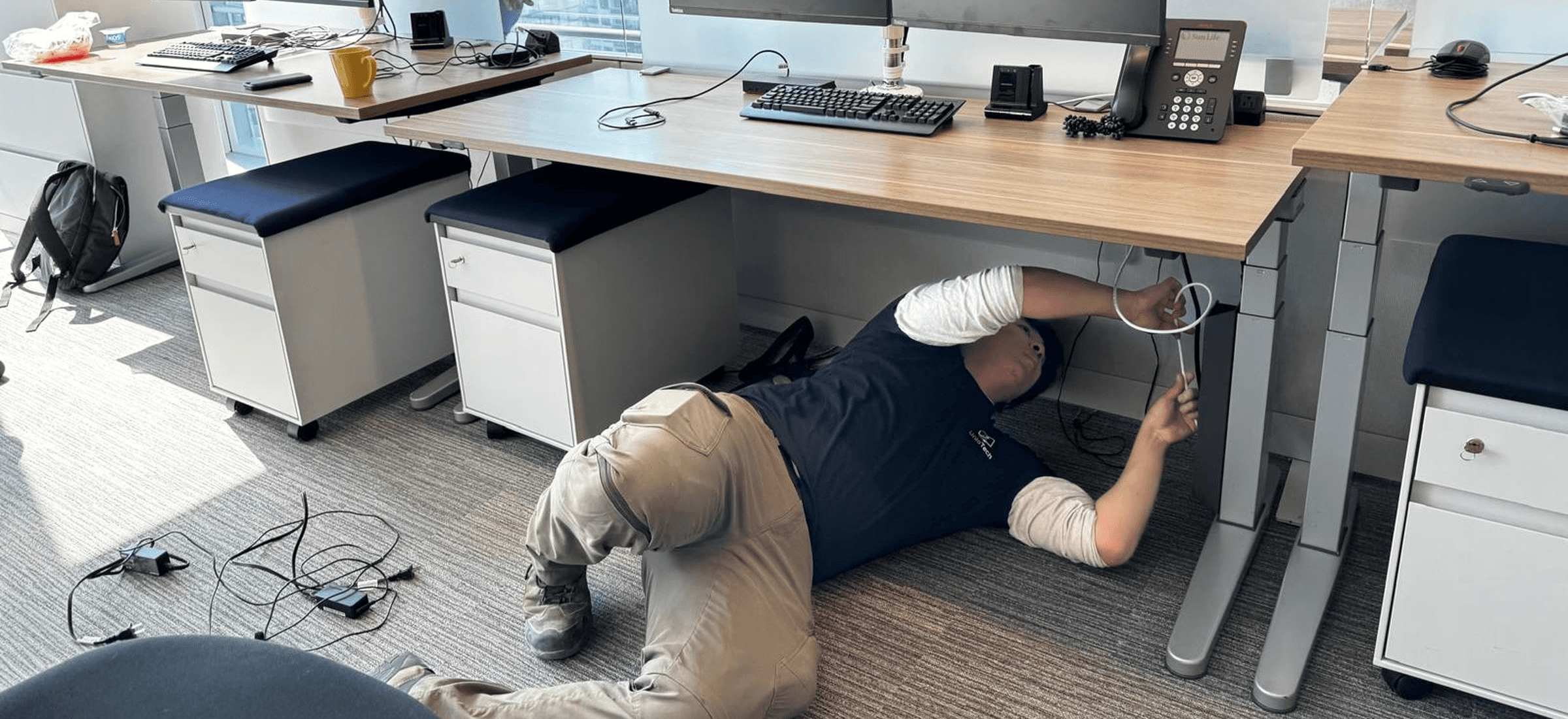
3. Workstation Technology Reconnecting & Cable Management
This process should be fast, precise and picture perfect, a standard that Unio Tech teams always deliver. You should always approve a mock-up of the final look of a workstation before an entire floor of workstations is reconnected. This gives everyone an opportunity to confirm monitor placement, cable routing, docking stations, power connections and the overall appearance before the process is repeated hundreds of times.
4. Electronic Recycling
Electronic recycling requires more than simply putting old equipment in a recycling bin.
A detailed inventory should be created for equipment being disposed of, followed by the appropriate documentation, such as a Certificate of Recycling and/or Certificate of Destruction. For organizations handling sensitive information, proper data destruction is an especially important part of the process.
5. Post-Move IT Support
For offices with hundreds of workstations, the first day back in the office can be one of the most important—and stressful—days of the entire relocation.
Having a large IT support team onsite allows issues to be identified and resolved quickly. Whether it is a monitor that isn't working, a docking station that isn't connecting, a workstation that was connected incorrectly or a user who needs assistance, onsite support keeps small technology problems from becoming major business disruptions.
6. Server Relocation
This requires highly skilled technicians and cablers to unrack the devices, pack them securely into bins, and then rerack everything at the new location. Additional services can include tracing cable connections and labelling them, as well as creating port maps and detailed rack diagrams; these are only done if you feel the physical setup of your infrastructure needs improvement and/or if you want help with cable cleanups.
What Happens If You Don't Have Specialized IT Support?
One of the biggest mistakes companies can make during an office relocation is assuming that moving IT equipment is simply a matter of unplugging everything, putting it in a box and plugging it back in at the new office.
The physical move may look straightforward, but the consequences of poor IT coordination can be significant.
Lost or misidentified equipment
Longer downtime
Damaged equipment
Poor cable management that looks messy and causes tripping hazards
Network and connectivity problems
A difficult first day for your employees
A successful office relocation isn't measured by whether the furniture made it to the new building. It's measured by whether your employees can walk into the new office and start working.
Preparing the New Office: Network Cabling
Office relocation isn't just about moving your technology from the old site to the new one. It is also about preparing your new site in advance and often involves additional services to ensure your business transitions smoothly.
One of the most important pieces of this preparation is:
Network Cabling
aka
Structured Cabling
aka
Data Cabling
What does this entail exactly?
Prior to the relocation dates, a dedicated team would:
Survey the new site to determine a network infrastructure plan that makes sense for your needs.
Install structured cabling, such as Cat6 and Cat6a, in the walls, ceilings and/or floors.
Install wireless access points, depending on the size and requirements of your office.
Test all cable connections to ensure the infrastructure is ready before employees move in.
Completing this work before the relocation allows the technology move to happen much more efficiently and reduces the risk of discovering infrastructure problems on the first day in the new office.
Not sure if you need network cabling or other IT infrastructure work before your office relocation?
Contact a Unio Tech Solutions representative for an assessment.
So, the short answer is yes—there are specialized services for handling IT during an office relocation, and having the right team involved can make the difference between a smooth transition and a costly, disruptive first day.
Plan Your Office IT Relocation with Unio Tech Solutions
Unio Tech Solutions has teams in Toronto, Calgary and Vancouver, and we serve clients across Canada. Book a free site walkthrough with our IT relocation team and we'll map out which of these services your move actually needs, from the first label to the first day back.
TAGS:
office relocation, IT relocation, workstation relocation, server relocation, cable management, network cabling, post-move IT support, IT project planning, Toronto, Calgary, Vancouver